
Renaissance pet portrait from your photo
A Renaissance pet portrait puts your dog or cat inside an old-master painting — the sfumato haze of the Mona Lisa, Vermeer’s window light, Botticelli’s pastel seashore. PawSnap repaints your photo in that style instead of pasting a pet head onto a stock painting.
Choose a famous composition to recreate, or a plain court portrait if you want something that hangs well above a fireplace.
Pick a style
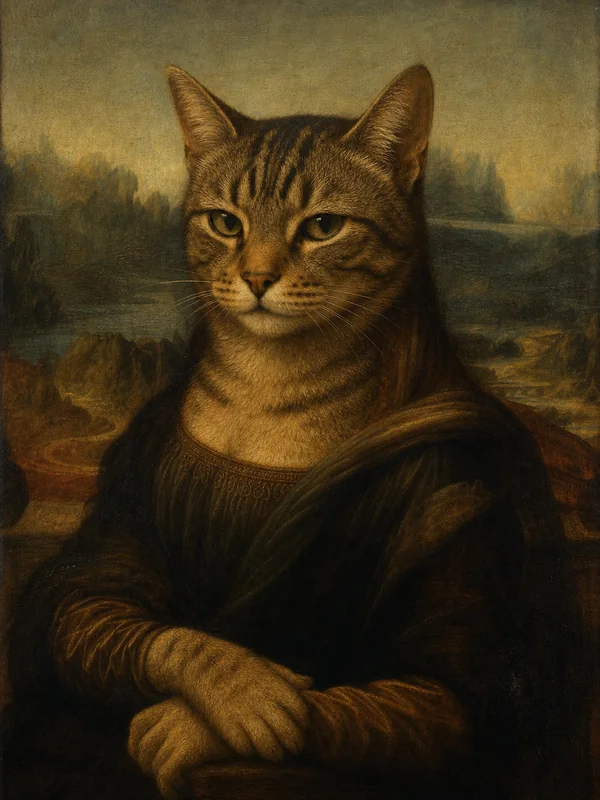
Mona Pet
Leonardo’s Mona Lisa pose and misty Tuscan landscape, with your pet’s half-smile.
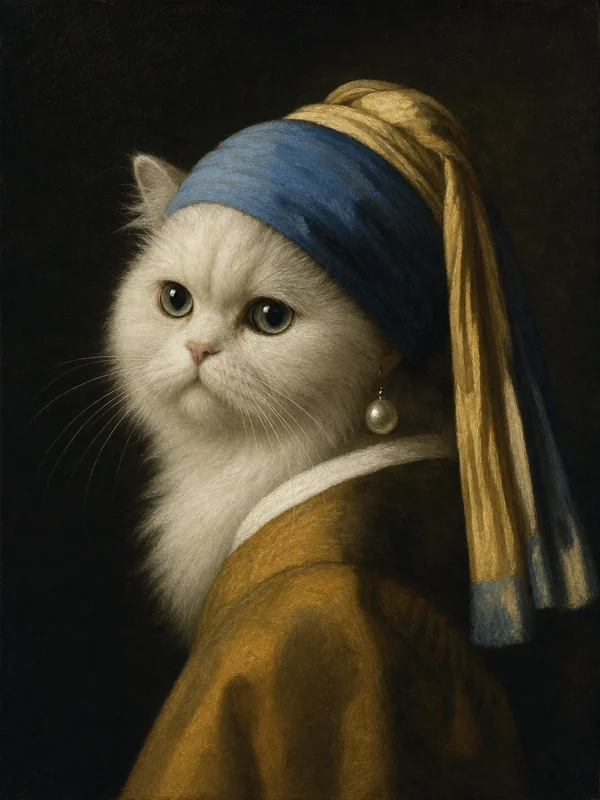
Pearl Whiskers
Vermeer’s Girl with a Pearl Earring — turned head, blue scarf, single pearl.
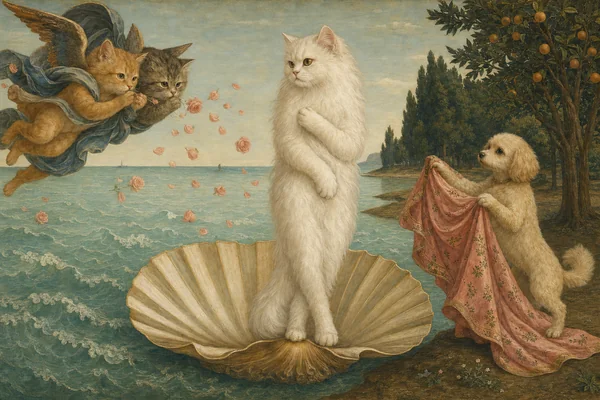
Pawn of Venus
Botticelli’s Birth of Venus, pet on the shell, wind gods and roses.
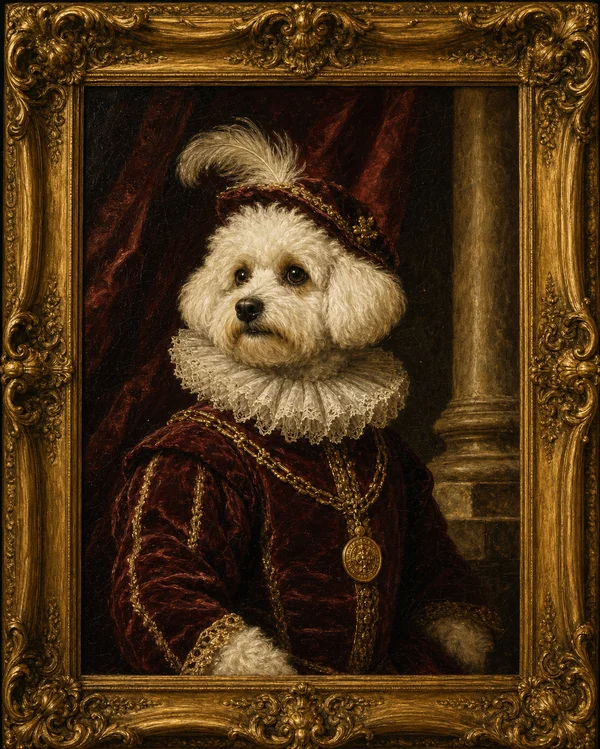
Royal Court
A formal portrait in the manner of Renaissance and Baroque court painters.
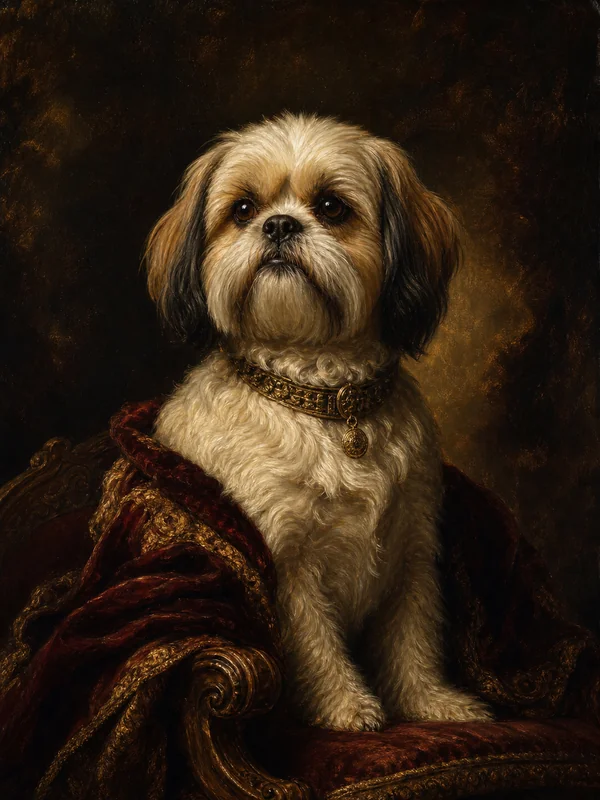
Oil Painting
A classic oil portrait with visible brushwork and warm varnish tones.
How it works
- 1. Upload one photo. Any clear phone picture of your pet.
- 2. Pick a style. Tap Generate — your preview is ready in about 30 seconds.
- 3. Keep the one you love. Download the free preview, or get the watermark-free HD file.
Photo tips
- Three-quarter or side-on photos match the classic poses best.
- Avoid busy backgrounds — the painting replaces them, but clutter can confuse the outline.
- Sharp eyes matter most; old-master portraits are all about the gaze.
Questions
How much does a Renaissance pet portrait cost?
Previews are free and carry a small watermark. A single watermark-free HD file is $0.99; plans start at $9.99 a month for 60 HD renders.
Which painting styles can I choose?
Mona Lisa, Girl with a Pearl Earring, Birth of Venus, a formal court portrait and a classic oil portrait. More classics like Van Gogh and Klimt are on our pet oil painting page.
Does it work with any pet?
Dogs and cats give the most reliable results; rabbits, birds and guinea pigs work too.
How long does it take?
About 30 seconds per render. You can try several styles on the same photo without re-uploading.
Full pricing on the pricing page.